

Table of Contents
An airport Instagram story can do more than announce that you made it to the gate. The best ones turn the ordinary rhythm of a travel day into a beginning, a little suspense, and a satisfying arrival.
You do not need a polished travel account or a suitcase full of camera gear. A phone, a few short clips, and one interactive sticker are enough when each frame has a job. Think in small moments: the first coffee, the gate-window reveal, the long wait, the boarding walk, and the bag finally appearing.
Choose four to six ideas that fit your trip instead of posting all 25 at once. Shoot vertically, leave clean space for captions and stickers, and save the personal details for after the flight. Your story will feel like a travel diary rather than a stream of unrelated airport photos.
01. The Departure Countdown
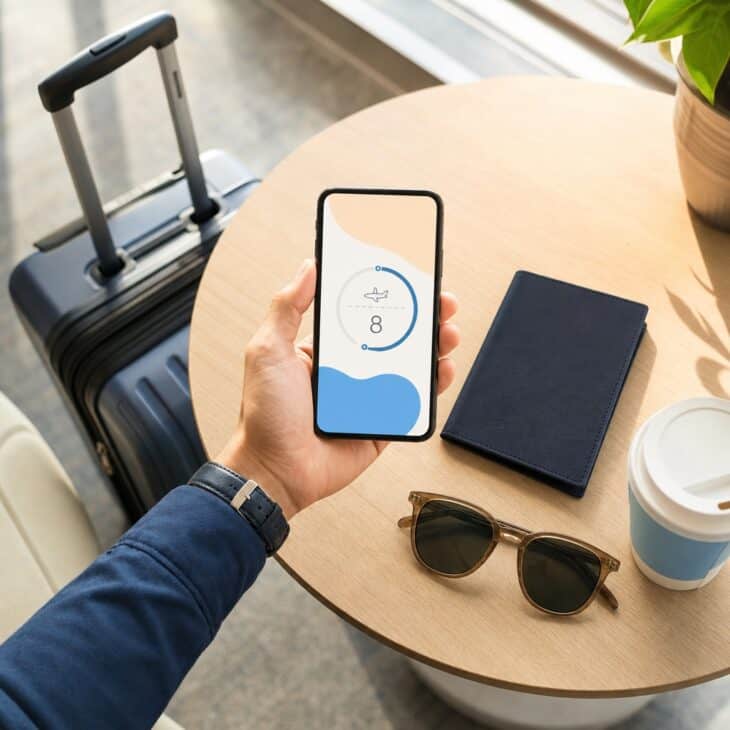
What it is A clean opening frame built from one travel object, such as your packed carry-on, passport cover, or first airport coffee, with a countdown sticker marking the departure. It can go up the night before or when you leave for the terminal.
Why it works A countdown gives the rest of the story a clear starting point and lets friends know something is about to happen. It creates anticipation without revealing the destination too early.
How to get it Put one travel object near a window and shoot vertically with blank space above or below. Add the countdown where it does not cover the object, then name it with a short phrase such as “Takeoff.” Match the sticker color to the frame, and save the destination reveal for a later slide.
02. The Three-Clip Travel-Day Opener
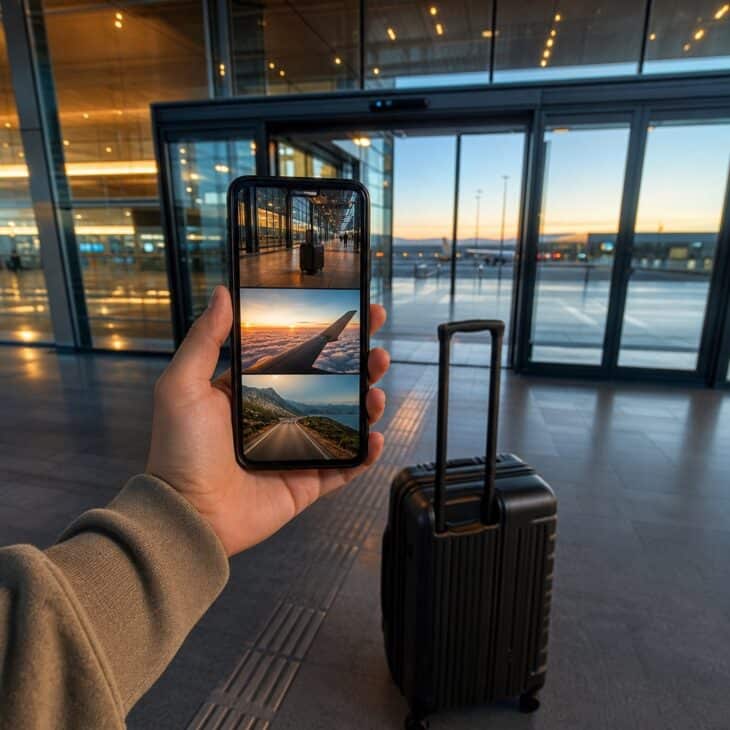
What it is A miniature opening sequence made from three one-second clips: the suitcase leaving home, the terminal doors opening, and the departures hall coming into view. Each clip shows forward movement and cuts before the action finishes.
Why it works The sequence immediately says that a journey has started, while the repeated motion ties three different places together. It feels intentional even though every clip takes only seconds to record.
How to get it Hold the phone vertically at waist height and record each action for three to four seconds so you have room to trim. Cut all three clips on a matching step, wheel turn, or door movement. Keep the same music across the sequence and place any title on the quietest frame.
03. The Airport Outfit Mirror Check
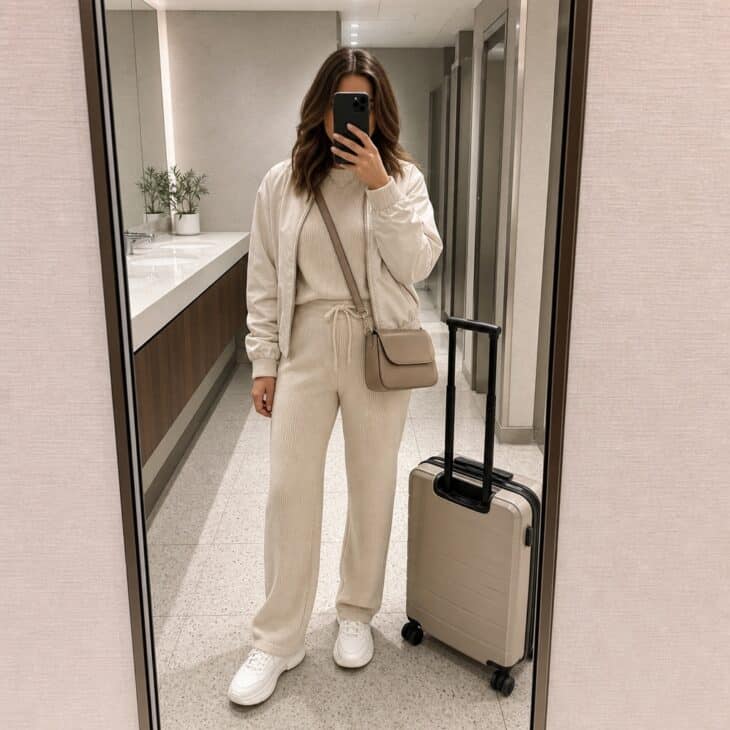
What it is A full-length mirror frame showing the complete travel outfit, shoes, personal item, and carry-on. The look can be labeled with tiny notes for the layers or the one piece that made the flight more comfortable.
Why it works Outfit frames are useful as well as personal, especially when the clothes solve a real travel problem such as cold cabins or long walks. They also break up a run of windows, wings, and terminal architecture with a human moment.
How to get it Find a quiet full-length mirror and wipe the phone lens before you shoot. Stand off-center so the carry-on fits beside you, keep the phone below eye level, and straighten the vertical lines. For a look that works on the flight too, borrow a formula from these airport outfit ideas.
04. The Carry-On Color Story
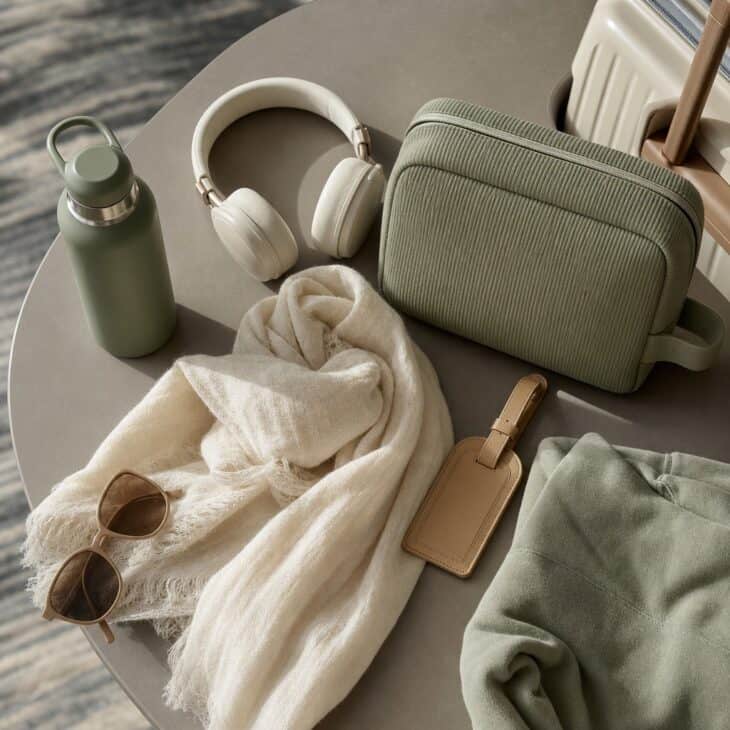
What it is A top-down arrangement of five or six carry-on essentials connected by a limited color palette. A scarf, headphones, pouch, bottle, sunglasses, and luggage tag give enough variety without making the frame cluttered.
Why it works Repeated color makes practical objects look like a collection, so the frame feels styled without requiring special props. It is also a face-free option for travelers who want to share the mood but not themselves.
How to get it Choose two main colors and one small accent, then remove anything that fights the palette. Arrange the largest object first and fill the corners with smaller pieces while leaving a clean area for a caption. Shoot straight down near a window, and check that no name, address, loyalty number, or document is visible before posting.
05. The First Coffee Timestamp
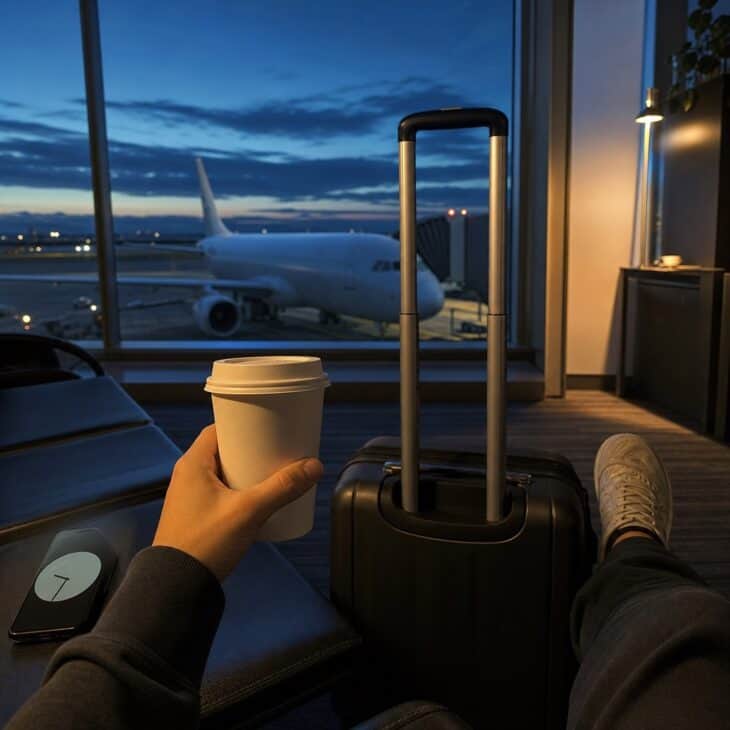
What it is A simple coffee-and-gate frame paired with the time sticker or a small typed timestamp. The cup, dark window, and empty seats establish the hour before the caption says anything.
Why it works The painfully early airport coffee is one of the most recognizable travel-day rituals. A real time makes the post feel immediate and gives followers an easy reason to reply with sympathy or excitement.
How to get it Hold the cup near a gate window and focus on the rim so the ramp falls softly out of focus. Leave the top third clear for the time and keep the caption to one honest line. For an afternoon flight, swap coffee for a cold drink against the brighter sky.
06. The Destination Tease
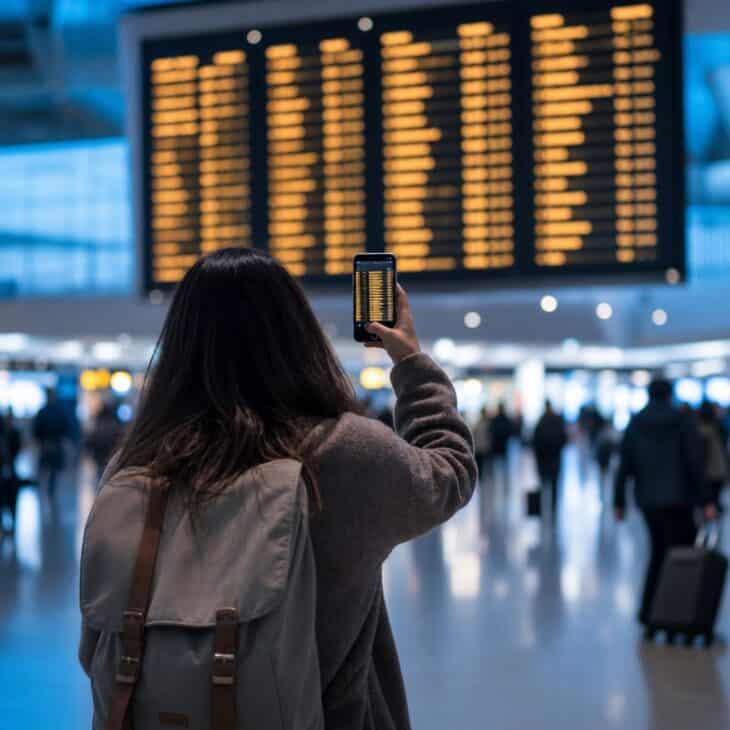
What it is A clue-based story that shows only part of the destination: a color, a weather hint, a tiny map crop, or one blurred line on the departures board. A poll or question sticker asks followers to guess before the reveal.
Why it works A small information gap turns a routine airport update into a two-frame story. Followers have something to do, and the destination reveal earns the next tap instead of merely repeating the first frame.
How to get it Pick one clue that narrows the choices without giving the answer away, then offer two believable poll options. Crop out flight numbers, barcodes, names, and exact gate details. Post the answer after boarding or after arrival, using a clearly different image so the reveal feels like a payoff.
07. The Gate-Window Reveal
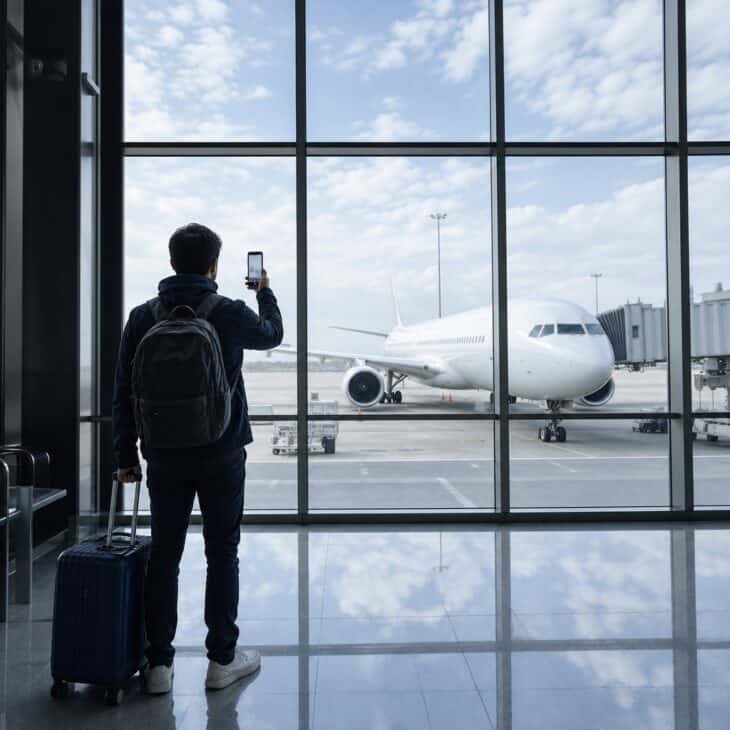
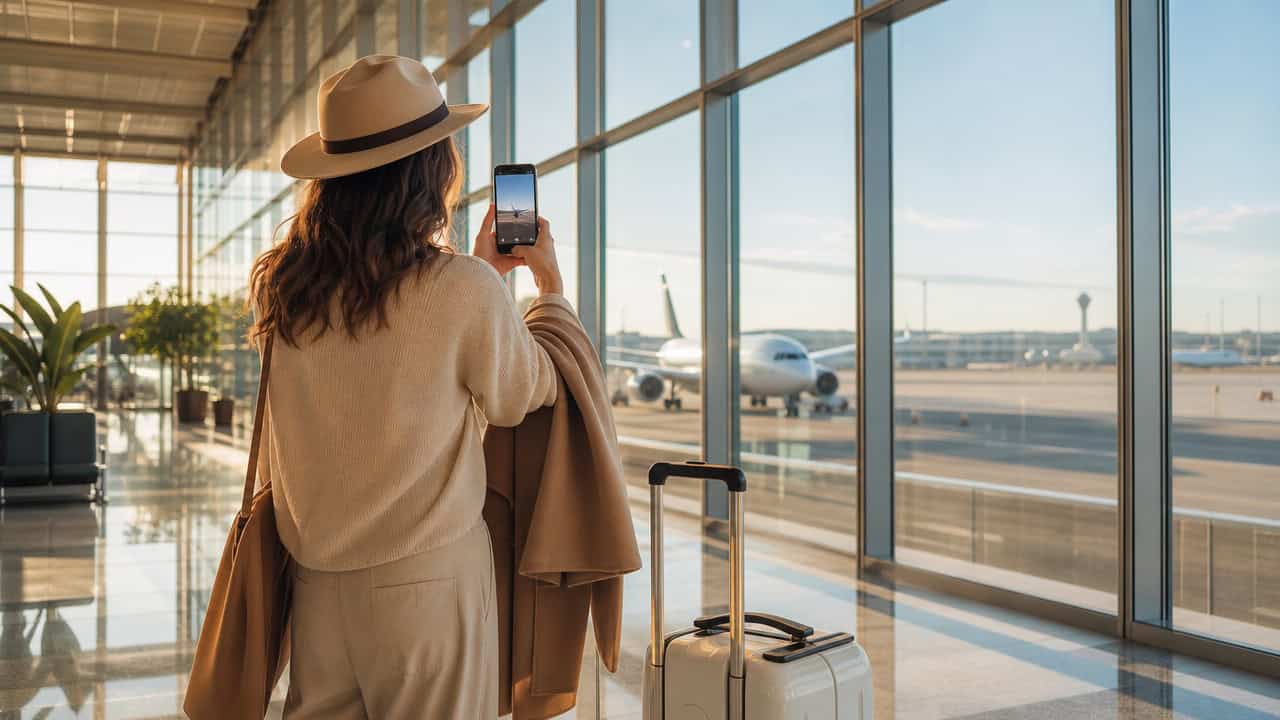
What it is A short video that begins on a close detail, such as your bag handle or gate seat, then tilts or pulls back to reveal the aircraft through the window. The plane enters only in the final second.
Why it works The delayed reveal creates movement and scale, especially when the window fills the terminal wall. It gives the aircraft more impact than a static shot posted without context.
How to get it Start with the phone close to a dark foreground object and lock focus before you move. Pull back slowly for four seconds, keeping the horizon level and the aircraft near the center of the vertical frame. Record two versions, one silent for natural airport sound and one with music, then choose the cleaner movement.
08. The Plane-Spotting Quiz
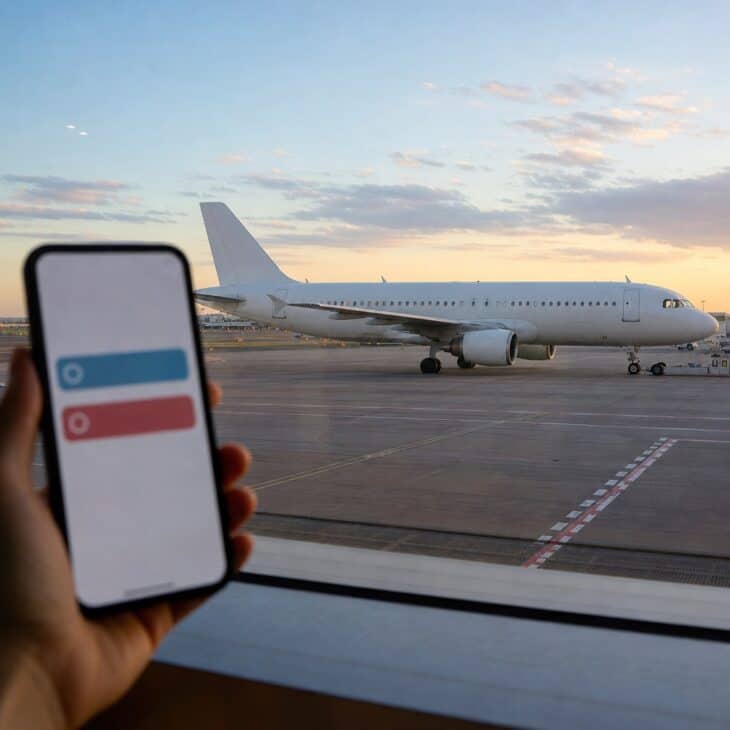
What it is A side-on aircraft photo paired with a two- or three-choice quiz about a broad visual feature, such as high wing versus low wing, two engines versus four, or narrow-body versus wide-body. The next frame gives the answer in one sentence.
Why it works It turns waiting at the gate into a tiny game and gives aviation-minded followers a reason to participate. Beginners can still guess when the choices are based on something visible rather than an obscure model designation.
How to get it Photograph the aircraft from the side and avoid any readable livery, registration, or passenger reflection. Ask a question that the image genuinely supports, then keep the choices short enough to scan in one tap. Use the answer slide to point out the visual clue rather than simply marking one option correct.
09. The Moving-Walkway Transition
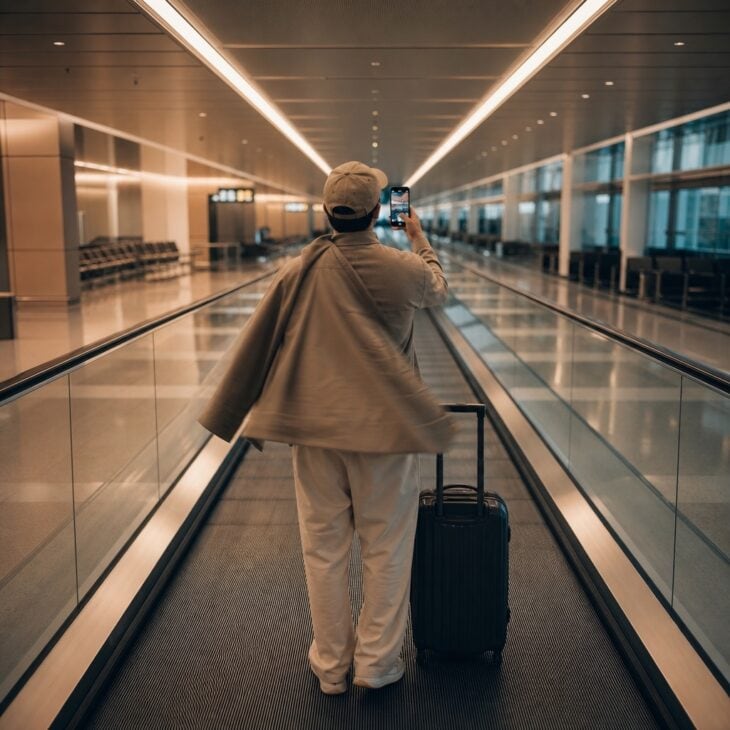
What it is A two-clip transition made on a moving walkway, with the first clip ending when a jacket, hand, or bag covers the lens. The second begins with the same object moving away to reveal a new pose or the next concourse.
Why it works The walkway provides smooth forward motion without special equipment, and the lens cover hides the cut. A small change in pose or layer is enough to make the transition satisfying.
How to get it Stand still on the right side of the walkway and keep bags clear of the path. End clip one with your palm fully covering the lens, then begin clip two from the same covered position. Trim on the darkest frame, and never stop or walk backward to redo the move while other travelers are behind you.
10. The Landside-to-Airside Jump Cut
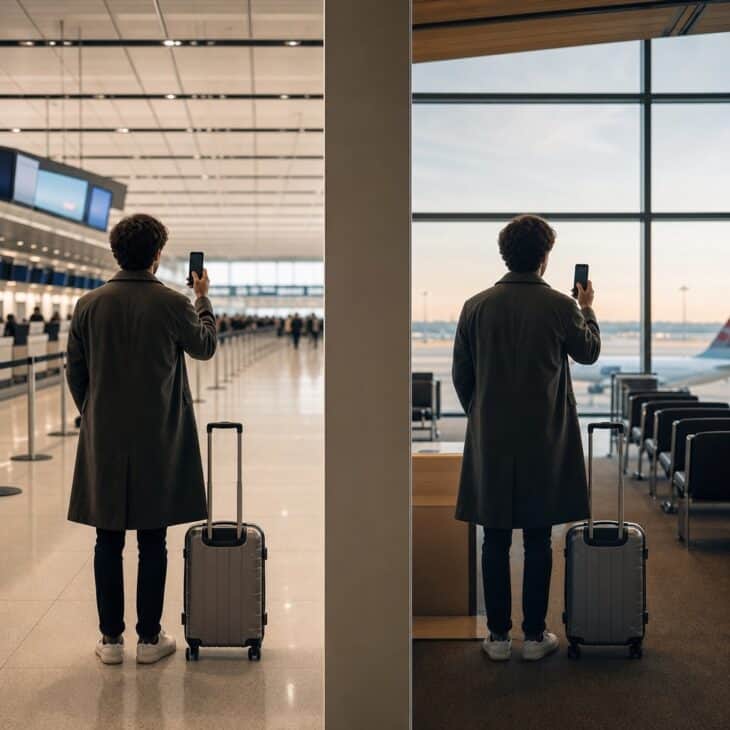
What it is A before-and-after transition that jumps from the public check-in hall to the gate area, using the same pose in both clips. The security checkpoint stays entirely out of the story.
Why it works Viewers understand the missing middle instantly, so the cut moves the travel story forward without showing a slow or sensitive part of the airport. Matching the body position makes two unrelated backgrounds feel like one continuous action.
How to get it Film the first clip well away from check-in lines, screening equipment, and staff, then note where your feet and phone sit in frame. Recreate the pose at the gate and finish the movement in the same direction. Airport rules vary, so follow posted instructions, keep other passengers out of shot, and stop immediately if staff ask.
Keep the checkpoint off camera
Build the transition from one public terminal area to another. Do not film screening equipment, security staff, customs, immigration, or other travelers’ documents, and always follow the airport’s posted rules.
11. The Gate-Window Time-Lapse
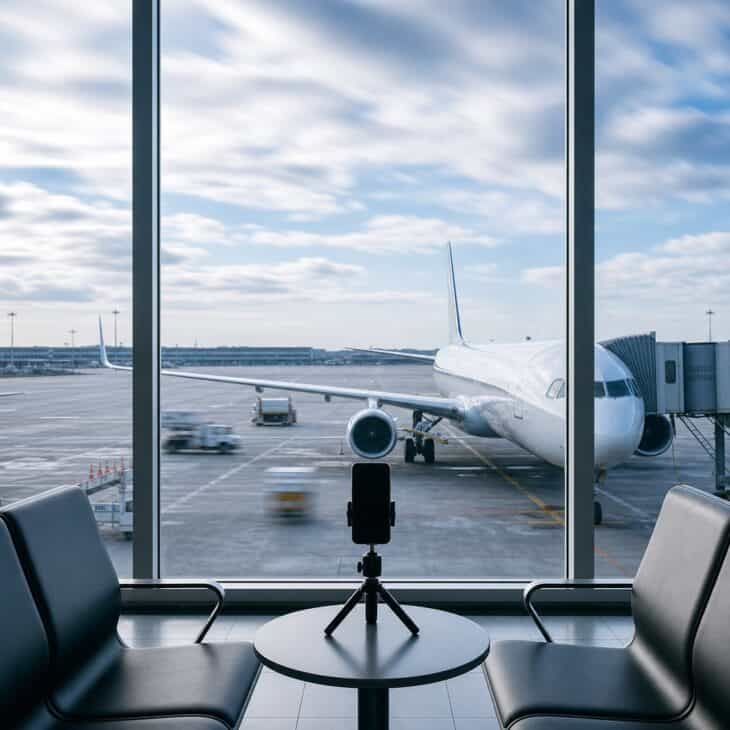
What it is A stationary time-lapse of the ramp through a gate window, compressing slow cloud movement, service vehicles, and aircraft activity into a few seconds. The phone remains fixed while the scene changes inside the frame.
Why it works Airports contain constant motion that feels invisible at normal speed. Compressing it reveals the choreography and gives your story a calm visual pause between face-to-camera updates.
How to get it Prop the phone securely against your bag or use a tiny tabletop tripod outside the walkway. Frame more sky than floor, lock focus on the view, and let it run for five to ten minutes. Stay with the phone and trim the result to the busiest three or four seconds.
12. The Airport Snack Scorecard
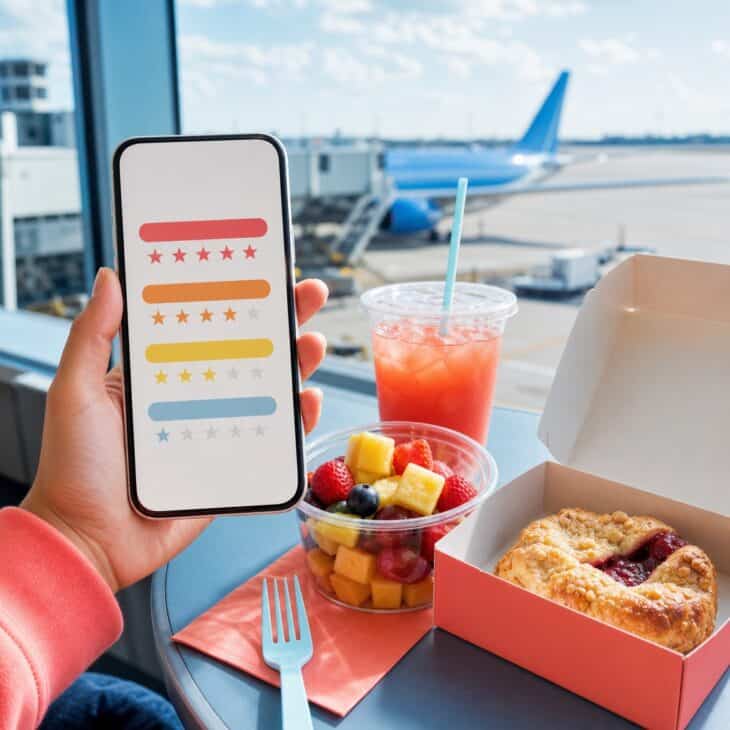
What it is A one- or two-frame review of an airport snack using three simple scores, such as taste, price, and carry-on friendliness. The food fills most of the frame while the ratings sit in clean negative space.
Why it works A scorecard gives a familiar food shot a point of view and may genuinely help someone passing through the same terminal. The format is repeatable, so it can become a recognizable part of every trip.
How to get it Photograph the unopened setup first, then add a second frame after tasting it. Use the same three categories every time and keep each score large enough to read quickly. If airport prices are not appealing, pack one of these airplane snack ideas and rate how well it survives the trip.
13. The Terminal Architecture Pan
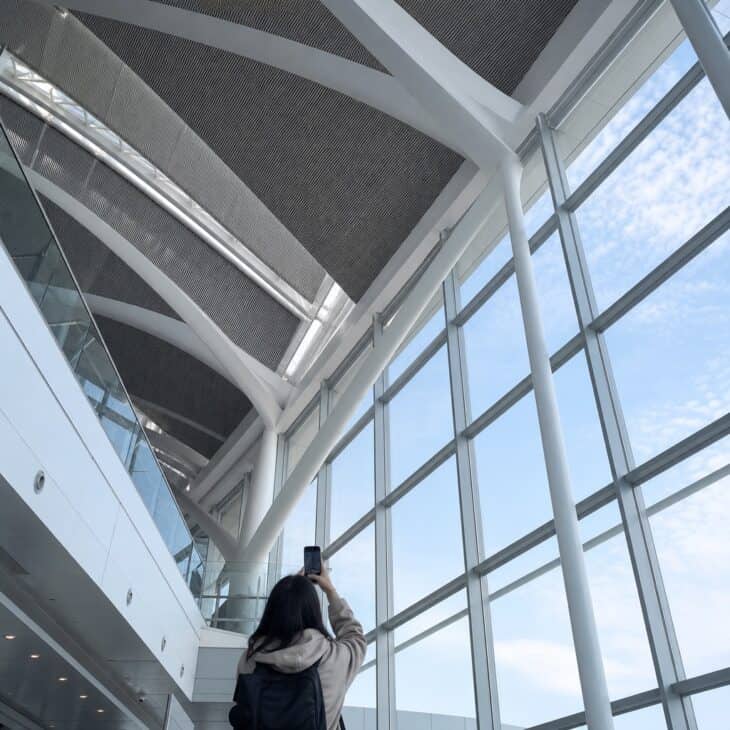
What it is A slow vertical pan from a floor pattern or row of seats up to the terminal roof, skylights, or suspended artwork. A person or suitcase at the bottom gives the architecture scale.
Why it works Terminals are built around unusually large curves, grids, and spans, which suit a vertical screen when you move through them deliberately. The frame adds a sense of place without relying on a location sticker.
How to get it Stand off the main path and begin on a strong floor line that leads upward. Tilt slowly with both hands, keeping the movement to one direction and stopping before the ceiling exits the frame. Record a second version from the top down, then use whichever reveals the most interesting shape first.
14. The Hidden Destination Reveal
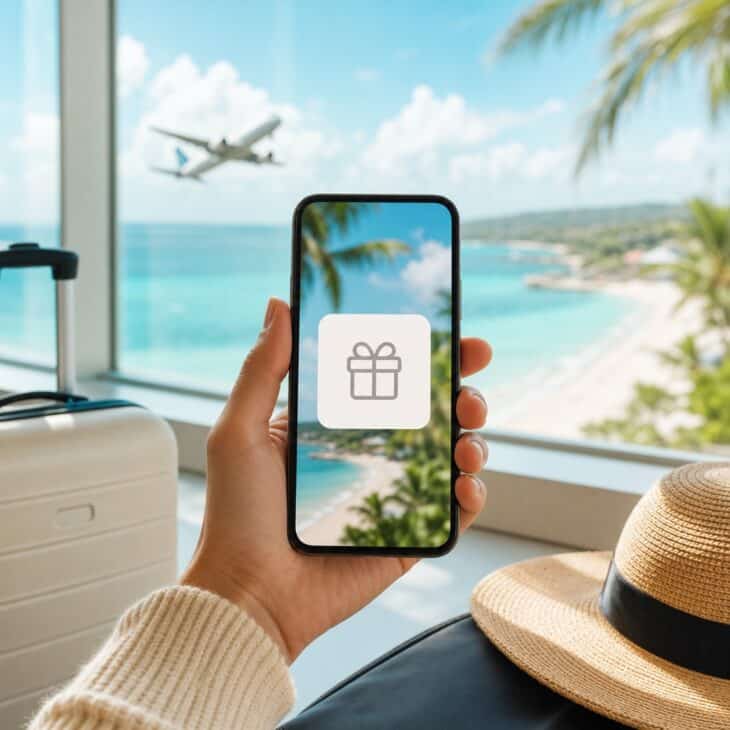
What it is A destination image concealed behind Instagram’s Reveal sticker, paired with one hint about the climate, language, food, or trip purpose. Followers uncover the picture by interacting with the story.
Why it works The hidden frame converts curiosity into a direct response and keeps a surprise trip genuinely surprising for one more beat. One useful clue prevents the interaction from feeling like empty engagement bait.
How to get it Choose a destination photo with one unmistakable color or shape, then write a hint that is specific but not conclusive. Preview the blurred story to make sure the answer does not show through. If Reveal is unavailable on your account, cover the photo with a solid-color shape and post the uncovered version as the next frame.
15. The Carry-On Essentials Tap-Through
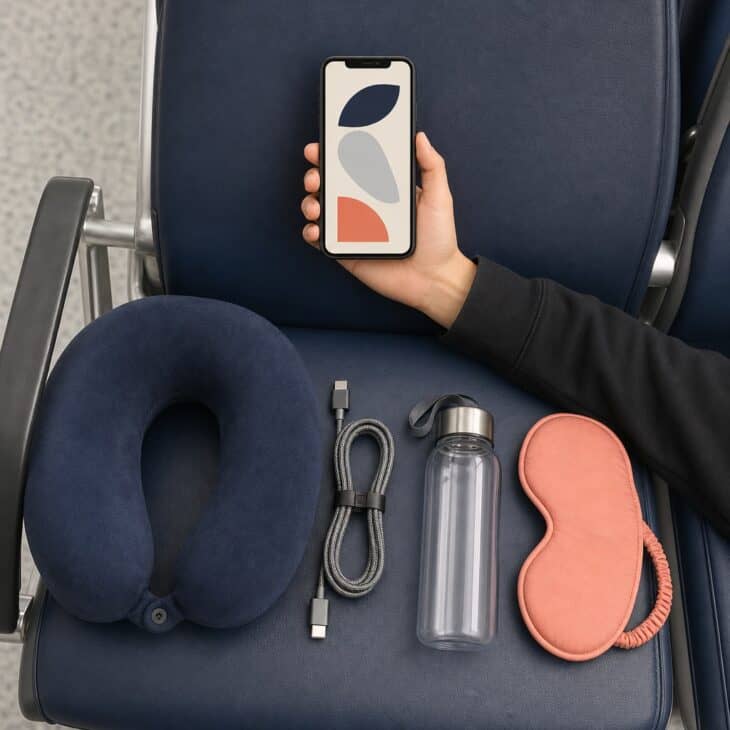
What it is A short series that adds one essential to the same frame on every tap, such as a charger, empty bottle, eye mask, neck pillow, or spare layer. The final slide shows the complete kit together.
Why it works Repetition makes the sequence easy to follow, while the changing object rewards each tap. It turns a packing list into a visual story that followers can screenshot without reading a dense block of text.
How to get it Put the phone on a stable support and do not move it between frames. Add one object at a time, leaving the same blank strip for its label, then use Cutouts if an item should reappear as a sticker. Keep the sequence to four or five essentials.
16. The Travel-Companion Question Box
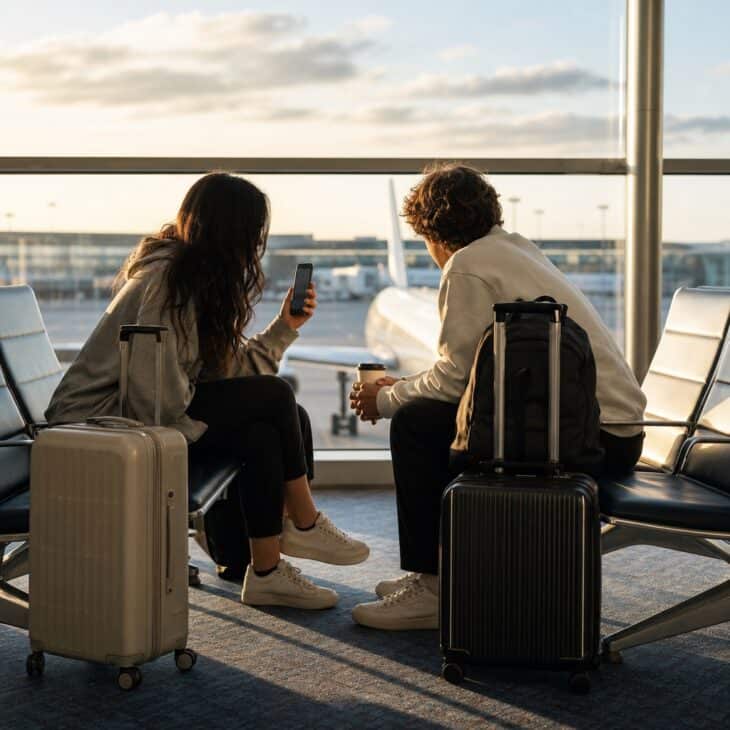
What it is A question sticker inviting followers to ask your travel companion something, followed by quick video answers from the gate. Questions can focus on packing habits, dream destinations, or who planned which part of the trip.
Why it works A second voice changes the pace and makes the story feel social rather than narrated at an audience. Short, specific prompts usually produce better replies than a completely open “ask us anything.”
How to get it Post the question box while you have time at the gate, then answer only two or three responses. Record in a quiet corner with the window behind the phone, and add captions for anyone watching without sound. Ask before filming and skip answers that reveal personal plans or accommodation details.
17. The Boarding-Group Poll
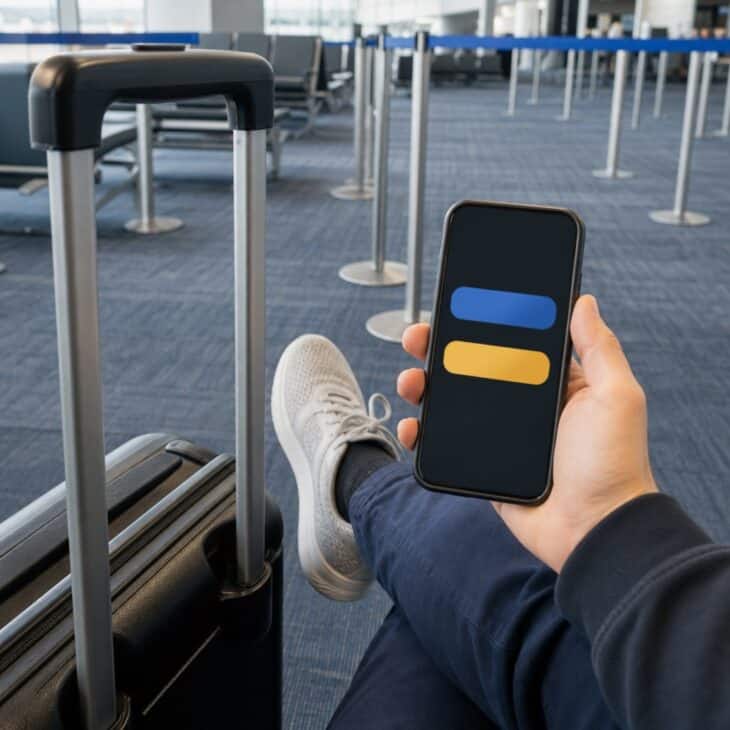
What it is A two-option poll about boarding behavior, such as “line up early or wait it out,” “window or aisle,” or “unpack immediately or stay seated.” The background is a close crop of your carry-on, shoes, or the gate seating area.
Why it works Almost every traveler has a firm opinion about boarding, which makes a low-stakes poll easy to answer. The interaction also fills a natural pause without requiring another posed photograph.
How to get it Write two short choices that fit on one line each and make both defensible. Use a background with simple texture so the poll stays readable, and keep your boarding pass out of the frame. Post the result after landing if it sparks an interesting split.
18. The Delay Survival Board
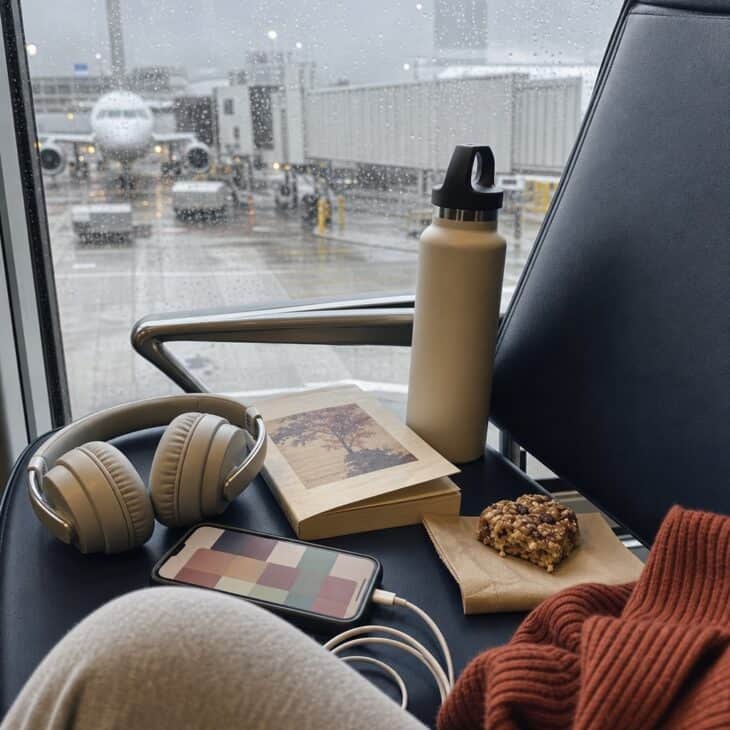
What it is A four-square challenge or bingo-style board for a delayed flight, with tasks such as refill water, walk one terminal loop, charge every device, and find the best window. Progress is marked across later frames.
Why it works The board acknowledges the frustration without turning every update into a complaint. It gives the wait a little structure and invites followers to suggest the final square.
How to get it Build four realistic tasks before you reach the airport, then place the grid over a photo of your delay kit. Update it only when something changes and keep operational claims to the airline’s official wording. If you have hours to fill, try these long layover ideas.
19. The Quiet-Corner Photo Tutorial
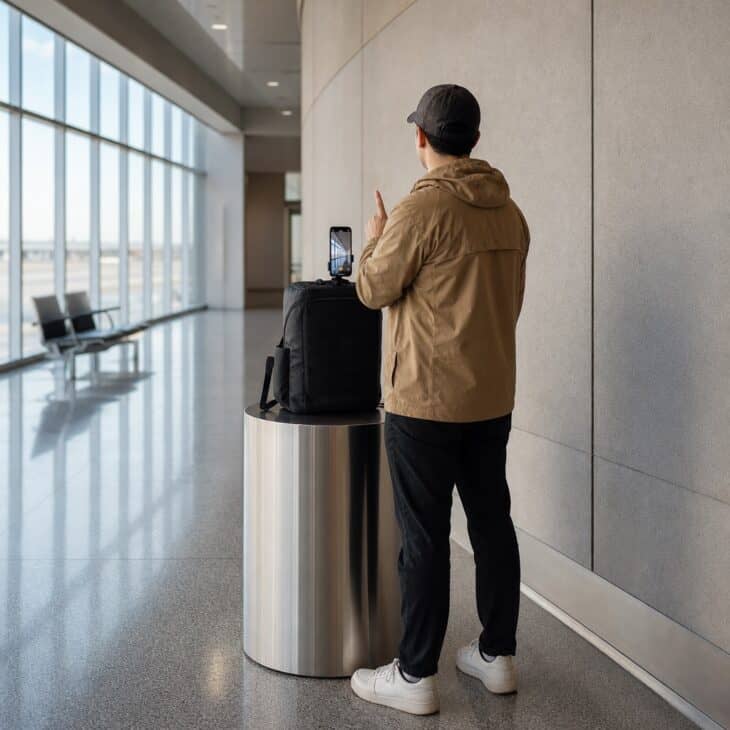
What it is A two-frame behind-the-scenes tutorial showing how you propped the phone, where you stood, and the final airport image. The setup is simple enough that another solo traveler could copy it.
Why it works Showing the method gives more value than posting the polished result alone. The contrast between an ordinary phone setup and a strong final frame also makes the story feel honest.
How to get it Choose a quiet corner away from gates, queues, and walkways, then secure the phone against a bag. Record the setup, take the final shot with a timer, and place them back to back. Use one of these airport photo ideas for a composition that works with a fixed phone.
20. The Jet-Bridge Point of View
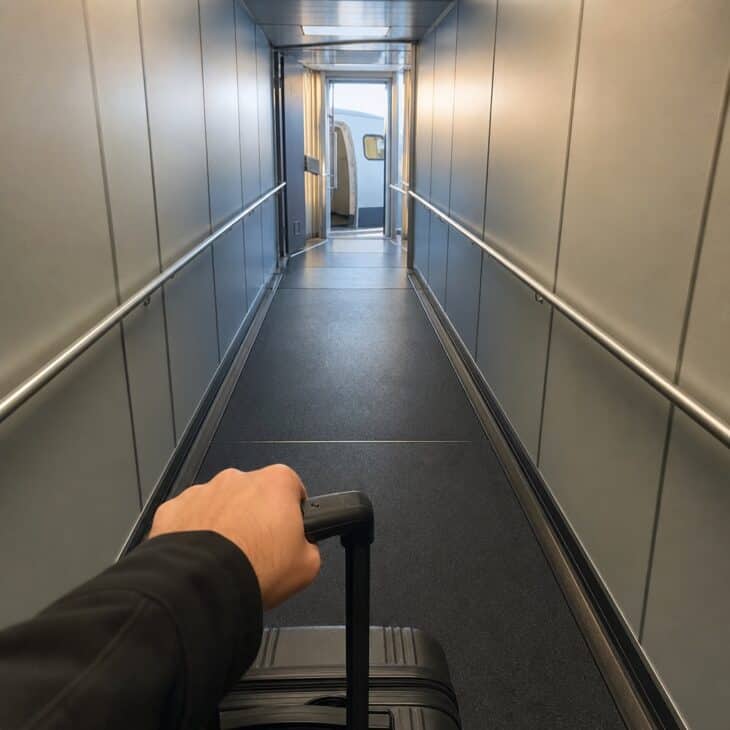
What it is A first-person clip of the short walk down the jet bridge, with the carry-on entering the bottom of the vertical frame and the repeating corridor lines pulling forward. The aircraft doorway appears only at the end.
Why it works This is the moment waiting turns into leaving, and the viewer feels the movement with you. The narrow corridor gives the clip stronger perspective than most open parts of the terminal.
How to get it Wait until the line is moving steadily and keep the phone close to your body with one hand on your bag. Record one continuous five-second clip without stopping, turning around, or blocking anyone behind you. Keep other passengers and crew out of the frame, then trim the beginning and end rather than filming a second take.
21. The Seat Reveal Without the Boarding Pass
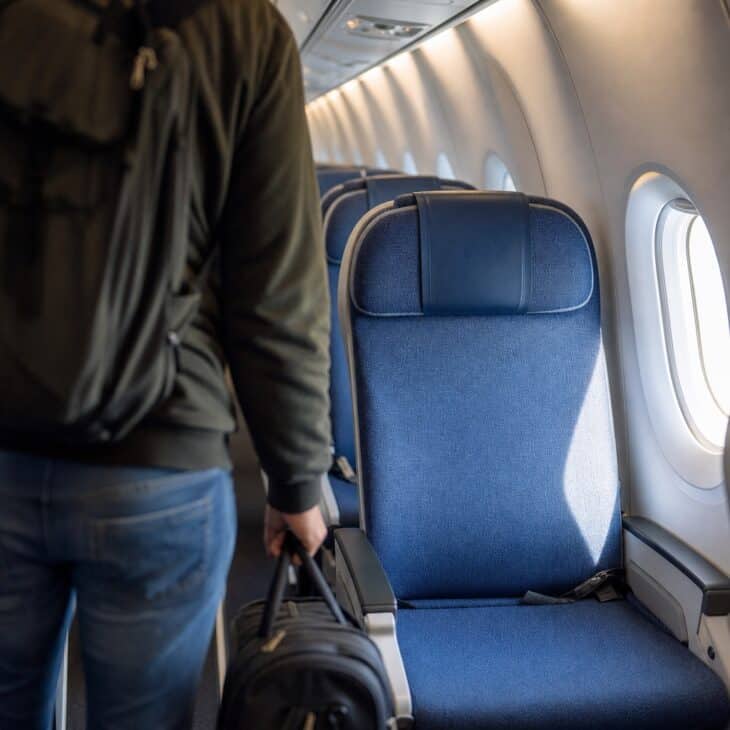
What it is A quick cabin reveal that shows the window, aisle, or extra-legroom seat itself instead of photographing the boarding pass. The frame begins in the aisle and ends with the seat filling the screen.
Why it works It answers the travel-day question everyone asks, while avoiding a close-up of personal and scannable information. A window-seat reveal also sets up the next chapter of the story naturally.
How to get it Board first and stow your bag so you are not trying to film while the aisle is blocked. Make one slow tilt from the seat cushion to the window, keeping nearby passengers out of view. Add a poll such as “window or aisle” only after you are settled and the boarding flow has moved past you.
22. The Window-View Soundtrack
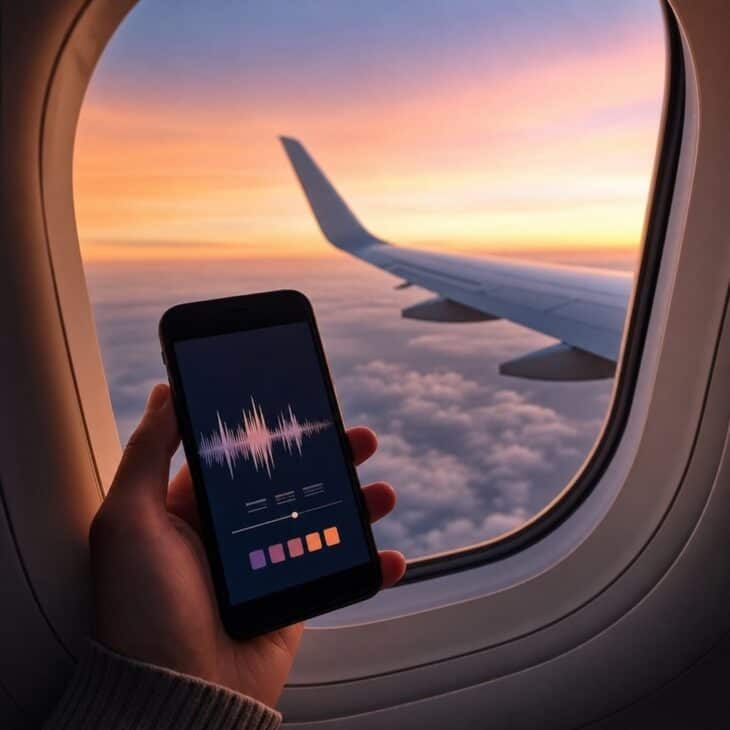
What it is A five- to seven-second clip of the wing, clouds, or taxiway paired with one section of a song that matches the trip’s mood. The image remains simple so the music carries the emotion.
Why it works A soundtrack turns a familiar window view into a personal memory and gives the story a natural change of pace after busy airport clips. Instagram’s Add Yours Music sticker can also invite friends to contribute their own travel song.
How to get it Clean the inside of the window if possible and hold the phone close enough to reduce cabin reflections. Record before takeoff, after landing, or during approved device use, then choose a lyric-free or uncluttered section that does not compete with the view. For more compositions after you sit down, use these window seat photo ideas.
23. The Baggage-Claim Suspense Clip
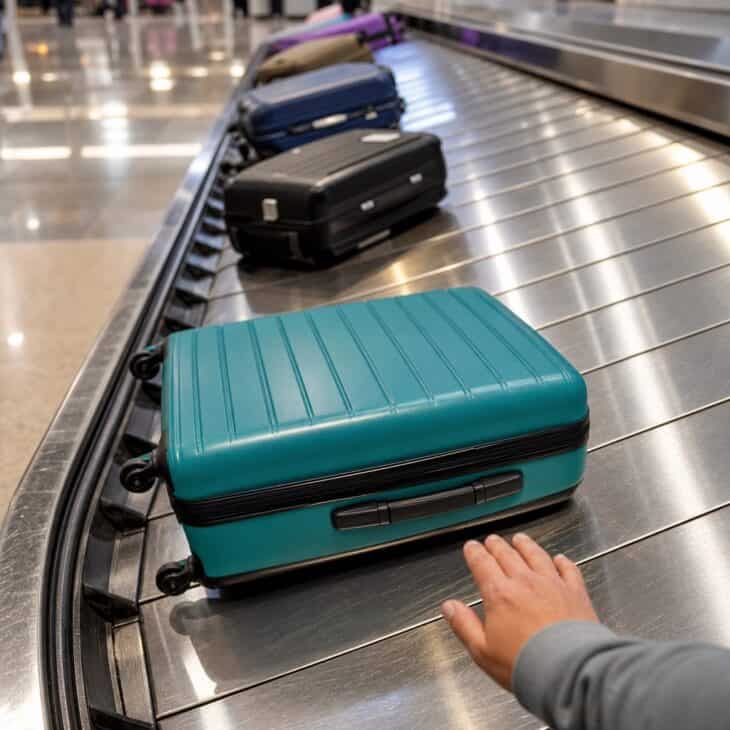
What it is A fixed clip of the carousel as several wrong bags pass before your suitcase finally enters the frame. A tiny caption such as “Is that it?” provides all the narration it needs.
Why it works Baggage claim has a built-in question and answer, which makes even a mundane wait feel like suspense. The payoff is recognizable to anyone who has watched the belt and wondered whether their bag made the connection.
How to get it Stand behind the marked line and frame a clean section of belt rather than following every bag with the phone. Record when you spot your suitcase approaching, then stop filming before you step forward to lift it. Keep other travelers, baggage tags, and claim screens out of view.
24. The Arrivals Reunion Sequence
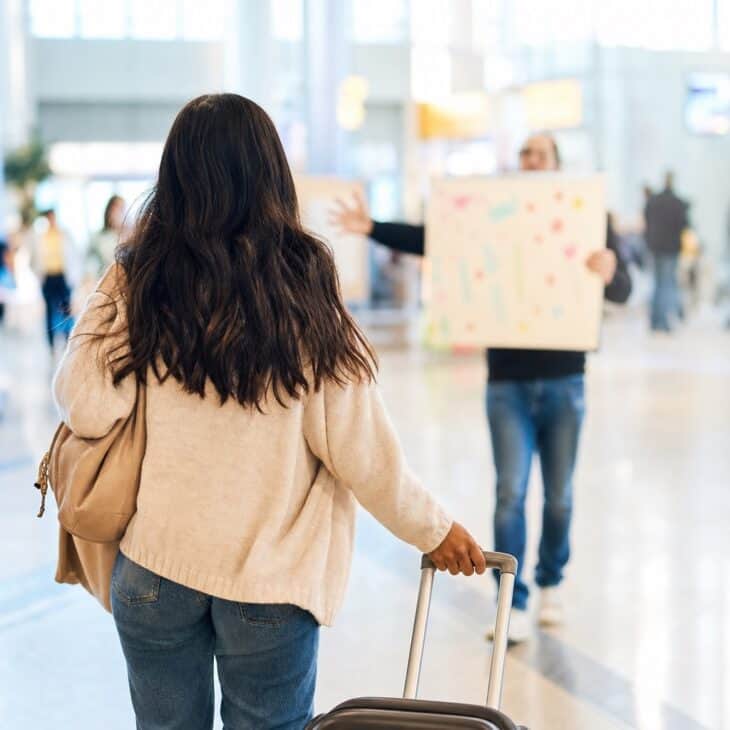
What it is A three-part arrivals sequence: the traveler appearing through the doors, the first hug, and a close detail of the flowers, sign, or hands on the suitcase. One person waiting records the moment while another does the welcoming.
Why it works The wide, medium, and detail frames give the reunion a beginning, payoff, and final note. It feels emotional without needing a long caption because the change in distance tells the story.
How to get it Choose one person to film vertically from beside the arrivals barrier and hold position. Record a wide clip first, lower the phone if anyone wants privacy, and capture the detail afterward. A handmade option from these airport welcome sign ideas gives the final frame a personal anchor.
25. The Six-Frame Travel-Day Recap
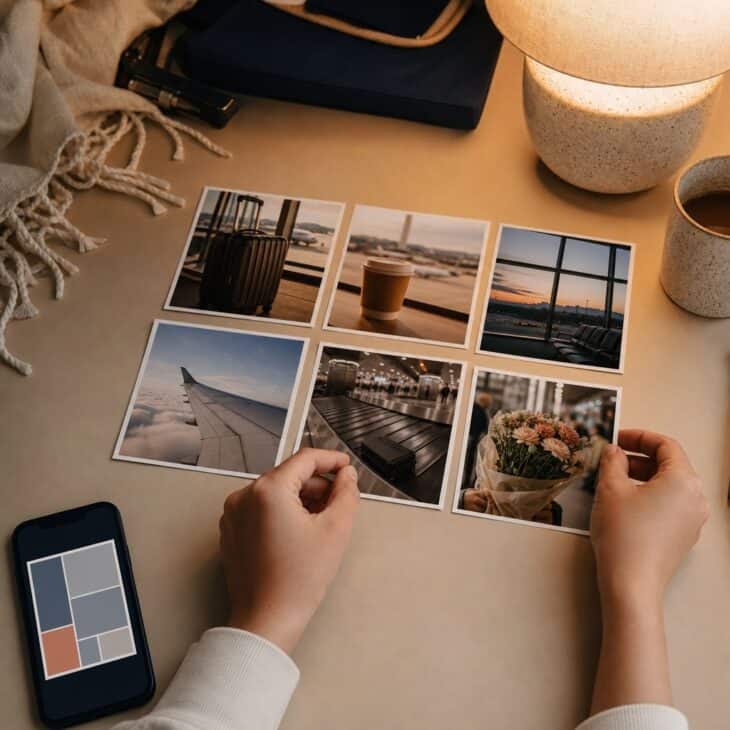
What it is A final recap built from six moments in order: leaving, checking in, waiting, boarding, arriving, and the first destination detail. Each frame uses the same small caption position, color, or border so the set reads as one sequence.
Why it works A recap rewards people who followed the day while giving late viewers the complete trip in seconds. Repeating a visual detail, such as the carry-on color, makes separate locations feel connected.
How to get it Save the strongest vertical clip from each stage instead of every usable take. Put them in order, trim each to one or two seconds, and reuse one restrained text style. The Frames sticker can give a favorite still a memory-book finish, or keep all six full-screen.
Post the trip, not the paperwork
Crop or cover boarding pass barcodes, booking references, full names, loyalty numbers, luggage tags, gate details, and passport pages. When privacy matters, save the story as a draft and publish it after you have moved on.
FAQ
Sources and references used for research and fact-checking.
- Meta, New Stickers in Instagram Stories
- Adobe, Prepare Vertical Video for Instagram Stories
- Adobe, Auto Reframe Video for Different Aspect Ratios
- Narita International Airport, Frequently Asked Questions: Photography and Filming Precautions
- Canadian Centre for Cyber Security, Security Considerations for QR Codes
Get the Newsletter
The latest aviation news and stories sent to your inbox.
About the Author

Hanna writes AeroCorner's aviation-lifestyle and decor guides, turning a love of flight into ideas for your home, celebrations, and gift lists.